By the Cyber Make team · Last updated October 17, 2026
You found a model you like and you have an STL file on your computer. Now what? This guide takes you from file to finished print, one step at a time, with settings you can use as a starting point on most FDM and resin printers.
Short answer: To 3D print an STL file, open it in a free slicer such as PrusaSlicer, Cura, Bambu Studio or OrcaSlicer. Check the size, place the flattest side on the bed, add supports if needed and pick your filament profile. Then slice it, send the file to your printer and remove supports after it cools.
Orientation matters as much as any setting. A good orientation needs fewer supports, sticks to the bed better and gives a stronger part.
For resin printing, models are usually tilted 30 to 45 degrees and lifted off the plate on supports. This lowers the force on each layer as it peels away from the vat.
Supports hold up parts of the model that would otherwise print in mid-air. Think of arms stretched out, chins or the underside of a mushroom cap. Bridges between two points can often print without support if they are short.
These are typical starting points, not exact values. Every printer, filament brand and resin is different. Check the temperature range on your spool or bottle and adjust from there.
| Setting | PLA | PETG | Resin |
|---|---|---|---|
| Layer height | 0.12–0.28 mm (0.2 mm is a common default) | 0.16–0.28 mm | 0.03–0.05 mm |
| Nozzle temperature | 190–220 °C | 220–250 °C | Not used |
| Bed temperature | 50–65 °C | 70–85 °C | Not used (room around 20–30 °C helps) |
| Walls / perimeters | 2–3 (4 for strong parts) | 2–4 | Hollow large models, 1.5–3 mm wall |
| Infill | 10–20% for decor, 30–50% for functional parts | 15–40% | Solid or hollowed with drain holes |
| Print speed | Use your printer profile | Often a bit slower than PLA | Set by layer exposure time |
| Part cooling fan | 100% after first layers | 30–60% | Not used |
| Bed surface tip | Textured or smooth PEI | Textured PEI; glue stick on smooth PEI to stop it sticking too hard | Clean, level build plate |
Layer height sets the thickness of each layer. Thinner layers look smoother but take longer. 0.2 mm is a good balance for most FDM prints.
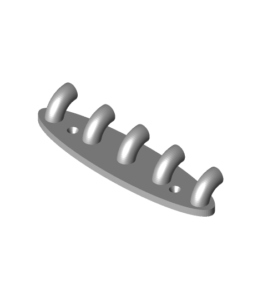
Walls are the outer shells of the part. More walls add more strength than more infill does. For a hook, bracket or tool holder, try 3 to 4 walls.
Infill is the internal pattern. Decorative pieces need little. Gyroid and grid patterns are solid all-round choices.
The layer preview shows exactly what the printer will do. Spend a minute here and you avoid many failed prints.
Stay for the first layer. Most failures start here. The lines should be slightly squished and touching each other, with no gaps and no rough, scraped surface.
If the first layer does not stick, stop the print. Clean the bed with isopropyl alcohol, check leveling or Z-offset, and start again. A brim (a few extra lines around the base) helps tall or narrow parts stay down.
| Problem | What it looks like | What to try |
|---|---|---|
| Warping | Corners lift off the bed and curl up | Clean the bed, raise bed temperature slightly, add a brim, avoid drafts. Use an enclosure for larger PETG parts. |
| Stringing | Thin hairs between separate parts of the print | Lower nozzle temperature by 5–10 °C, check retraction settings, dry your filament (PETG is prone to this). |
| Poor bed adhesion | First layer does not stick or the print comes loose | Re-level or adjust Z-offset, wash the plate with soap or isopropyl alcohol, print the first layer slower. |
| Failed supports | Overhangs droop, or supports fall over mid-print | Add a support brim, use tree supports, increase support density, or re-orient the part. |
| Layer shifts | Layers suddenly offset to one side | Check belt tension, make sure nothing hits the print head, lower speed. |
| Resin print stuck to the vat | Part or pieces left on the film, not the plate | Increase bottom exposure, check plate leveling, add more or thicker supports. |
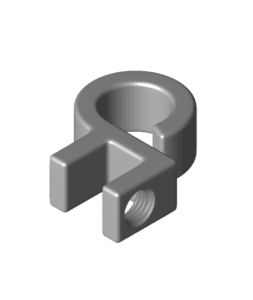
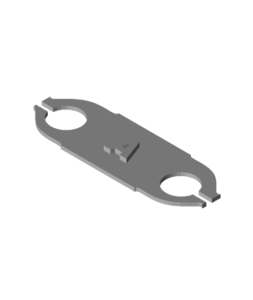
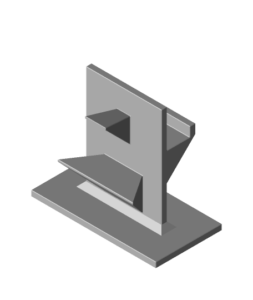
Start with small, practical objects that have a flat base and few overhangs. They print in an hour or two, need little or no support, and you get something useful at the end.
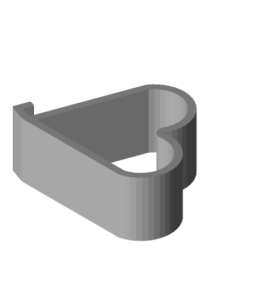
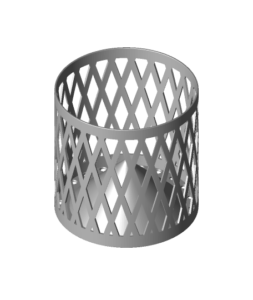
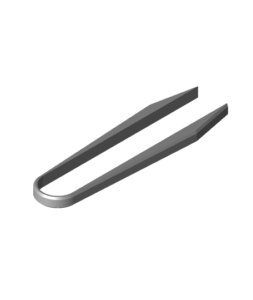
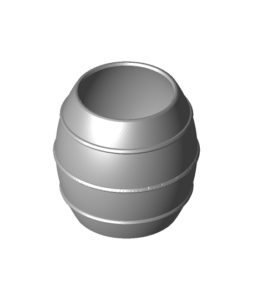
These simple pieces are good practice for bed adhesion, walls and infill. Browse more in our desk and office STL files and household models.
Kitchen items are fun early projects. For anything that touches food, keep in mind that regular FDM prints have small gaps between layers that can trap bacteria, so use them for dry items or as holders. See more kitchen STL files.
Ready for something bigger? Our useful 3D prints for home guide has more ideas, and the Halloween 3D prints guide covers decorations, from small pumpkins to wall masks.
No. Printers do not read STL files. A slicer converts the STL into G-code (for FDM) or a layer file (for resin) that your specific printer understands.
Use the slicer your printer maker recommends, since it has tested profiles. PrusaSlicer, Cura, Bambu Studio and OrcaSlicer are all free and beginner-friendly.
Start with PLA. It prints at lower temperatures, warps less and is forgiving. Move to PETG when you need parts that handle more heat, moisture or bending.
It depends on size, layer height and infill. A small desk item may take 30 minutes to 2 hours. A large decorative piece can take a day or more. Your slicer shows an estimate.
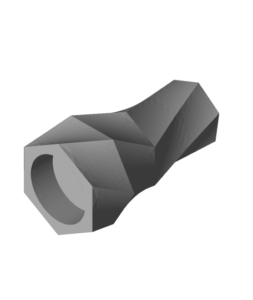
Product images are often renders or prints made with tuned settings, paint or post-processing. Layer height, filament color and finishing all change the final look.