By the Cyber Make team · Last updated October 17, 2026
Printing your own miniatures lets you build a whole party of heroes or a dragon for the final fight, at home and on your own schedule. This guide explains which printer to use, what scale means, how to support minis and how to paint and base them.
Quick answer: For tabletop miniatures, a resin printer gives the sharpest detail at 28–32 mm scale, while an FDM printer works well for larger monsters and terrain. Most heroic-scale minis are about 28–32 mm to eye level on a 25 mm base. Use light supports, prime before painting and finish with a textured base.
Good miniature files have clear details, poses that can be supported and a sensible scale. Many of the figures in our miniatures and figures STL collection note that supports are included, which saves setup time. Check each product page for details.
Every file is an instant digital download. You can print one copy or a whole squad on your own printer. If you are new to the format, see what an STL file is.
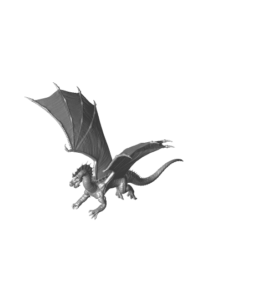
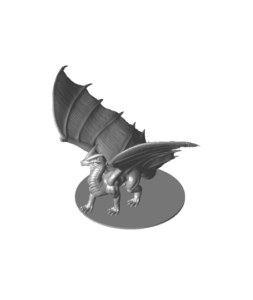
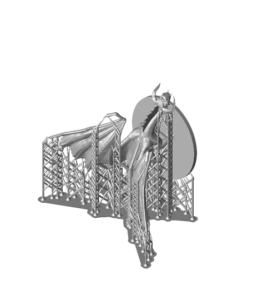
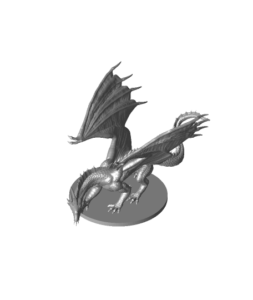
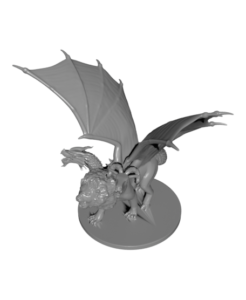
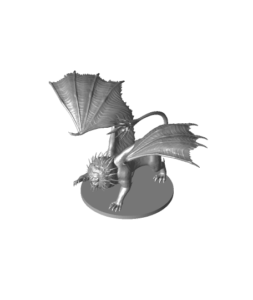
Dragons are the big centerpiece of many games. Young dragons fit on medium or large bases, while adult and ancient dragons need large or huge bases. Wings are the hardest part to print, so angle the model and support the wing tips well.
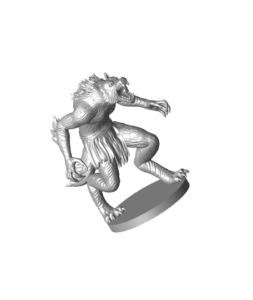
Monsters give players something to fight. The catalog includes werewolves, chimeras, goblins, mammoths and more. The monster STL files add Halloween creatures like vampire bats, and the 32 mm dire bat miniature is sized for the tabletop.
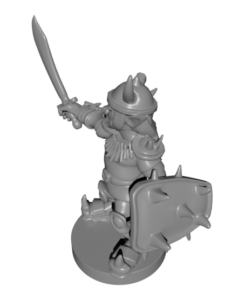
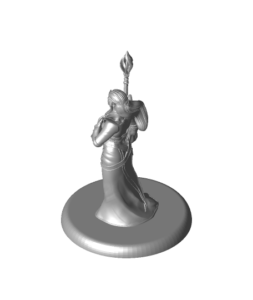
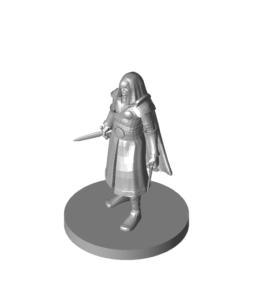
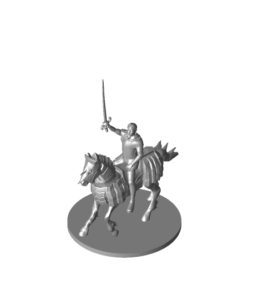
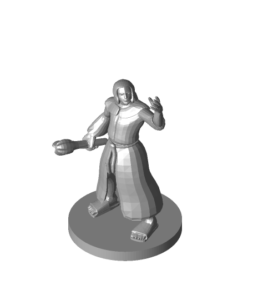
Hero figures cover adventurers, spellcasters and townsfolk. A mix of fighters, casters and a few non-player characters, like a barkeep or a priest, makes a game table feel alive.
Both printers can make good minis. Resin is best for small, detailed figures. FDM is cheaper to run and better for big monsters, terrain and scatter pieces. The table below sums up the main differences.
| Feature | Resin (MSLA) | FDM (filament) |
|---|---|---|
| Detail on 28–32 mm figures | Very high; faces and fingers stay sharp | Good with a 0.2–0.25 mm nozzle, softer with 0.4 mm |
| Typical layer height | 0.03–0.05 mm | 0.08–0.12 mm for minis |
| Print time for one hero mini | About 1–3 hours (a full plate takes about the same) | About 1–3 hours each |
| Post-processing | Wash in alcohol or a wash resin, then UV cure | Remove supports, light sanding |
| Safety needs | Gloves, ventilation, careful resin disposal | Normal ventilation |
| Best for | Heroes, small monsters, display pieces | Large monsters, terrain, bases, test prints |
Times vary with model size, printer and settings. Your slicer gives the real estimate.
If you only have an FDM printer, you can still get good results. Use a 0.2 or 0.25 mm nozzle, 0.08–0.12 mm layers, slow outer walls and good cooling.
Miniature scale is usually given as the height of a human-sized figure in millimeters. It is measured roughly from the feet to the eyes, not to the top of the head. A 28 mm hero is about 28 mm from the soles to eye level.
32 mm figures are a bit taller and bulkier than 28 mm ones. Many players mix the two on the same table. The numbers are not strict, and different sculptors measure in slightly different ways.
Many grid-based games use 1-inch (25 mm) squares. Medium creatures usually stand on 25 mm bases, large creatures on 50 mm bases and huge creatures on 75 mm bases. If a file has no stated scale, measure a human figure in your slicer and scale until its eyes sit at about 28–32 mm.
Supports are where most mini prints succeed or fail. The goal is to hold every overhang without leaving big marks on faces or hands.
If you are new to slicers, start with our guide on how to 3D print an STL file.
You do not need expensive tools to paint a good-looking mini. A primer, a few acrylic paints and two or three brushes are enough to start.
Many painters glue a mini to a cork or a bottle cap while painting. That way you never touch the figure itself.
A good base makes even a simple paint job look finished. It also keeps minis from tipping over on the table.
Want to know whether to buy or download free files for your army? See our comparison of free vs paid STL files.
Yes, especially larger monsters and terrain. For small heroes, use a 0.2 or 0.25 mm nozzle and layers around 0.08–0.12 mm. Resin still gives sharper faces and fingers.
Most tabletop games use 28 mm or 32 mm scale. Scale the model so a human-sized figure measures about 28–32 mm from feet to eyes, and check that it fits a 25 mm base.
Small hero minis are usually printed solid. Large monsters and dragons can be hollowed in the slicer to save resin. Always add drain holes, so uncured resin does not stay trapped inside.
Usually there were not enough supports on the thin parts, or the supports were too thick and pulled details off. Add light supports on every island and tilt the model so thin parts are not printed flat.