By the Cyber Make team · Last updated October 17, 2026
There are thousands of free STL files online, and there are paid files that cost a few dollars. Both can print well. This page explains the real differences, so you can decide when free is enough and when paying makes sense.
Short answer: Free STL files are great for simple, practical prints and for learning. Paid files usually cost a few dollars and are more likely to come with clear listings, set categories and a seller you can contact. Quality varies on both sides, so always check the file and the licence before printing or selling prints.
The geometry inside the file works the same either way. Your slicer does not care what you paid. The differences are about the extras around the file: testing, support, licence terms and how easy it is to find what you want.
| Factor | Free STL files | Paid STL files |
|---|---|---|
| Cost | $0 | Usually a few dollars per file; Cyber Make files are $1.99–$7.99 |
| Print-tested | Sometimes. Depends on the uploader | Sometimes. Check the listing for photos of real prints |
| Support and updates | Rare. Uploaders share in their free time | More likely, since there is a seller you can contact |
| Licence and commercial use | Often personal use or Creative Commons. Terms vary by file | Varies by seller. Many are personal use only unless stated |
| File quality | Ranges from excellent to broken | Also varies. Paying does not guarantee a perfect file |
| Finding what you need | Huge choice, but searching can take time | Smaller, organized catalogs with categories |
Free files are often the right choice. Many skilled designers share excellent work for free, and the community around free files is a big part of 3D printing.
A paid file is worth it when it saves you time or gives you something specific you could not find otherwise. At a couple of dollars, the cost is often less than the filament for one failed print.
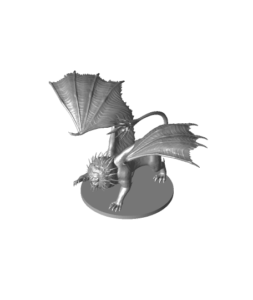
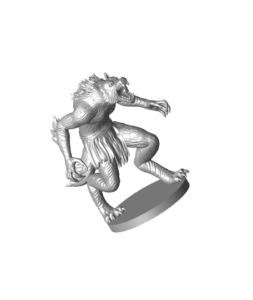
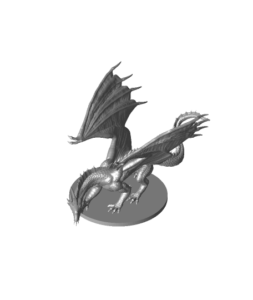
Cyber Make sells STL files from $1.99 to $7.99, with instant download after purchase. You can browse Halloween STL files, miniatures and figures, toys and games and more. Our guide to STL files for tabletop miniatures covers printing small figures.
A clear listing helps you decide before you download, whether the file costs nothing or a few dollars. Missing details do not mean a file is bad, but they mean more guesswork on your side.
If a listing leaves out the size, plan to scale the model yourself in the slicer. Measure the space where the print will go, then set the height or width to match before slicing.
Whether a file is free or paid, a two-minute check can save hours of failed printing. Do this before you hit print.
New to slicing? Follow our step-by-step guide to printing an STL file.
Buying or downloading an STL file gives you the right to use it under its licence. You do not own the design. Licences decide what you can do with the file and with the printed objects.
Terms differ from file to file. Always check each listing’s terms before you sell anything you print. Cyber Make files are for personal use unless a listing says otherwise. See our terms of sale for details.
No. Price does not guarantee quality. Some free files are excellent and some paid files have problems. Check listings, photos and the slicer preview either way.
Only if its licence allows commercial use. Many free files are personal use or non-commercial only. Read the licence on that specific file.
Usually not. Most licences forbid sharing or re-uploading the file. You can normally give them a print you made, if the licence allows personal gifts.
Files cost between $1.99 and $7.99 each, in USD, with instant digital download. See our FAQ for more on downloads.